<text>
显示效果
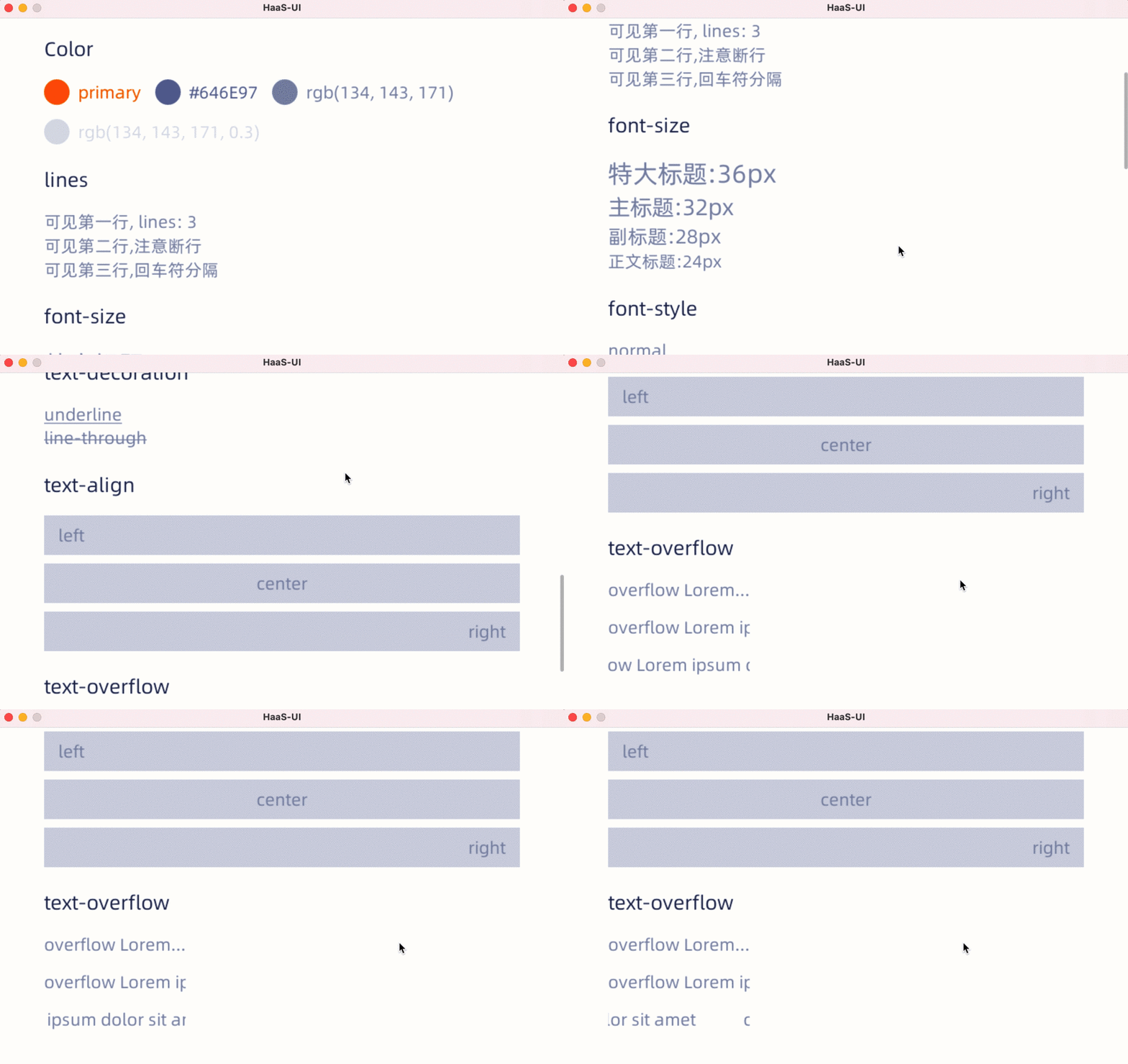
简介
<text> 组件,用来将文本按照指定的样式渲染出来.
<text> 不支持子组件。
<text> 里直接写文本头尾空白会被过滤,如果需要保留头尾空白字符,暂时只能通过数据绑定的方式,见下面动态文本。
样式
- 支持 通用样式。
- 支持 文本样式。
属性
| 属性名 | 类型 | 描述 | 默认值 |
|---|---|---|---|
| marquee | boolean | 单行文本overflow的扩展效果,文字跑马灯效果(需配合lines:1样式) | false |
| marquee-speed | px | 跑马灯运动速度(px/second) | 30px |
| marquee-gap | px | 跑马灯尾首衔接的间距 | 1/3文本组件宽度 |
动态文本
下列代码片段可以实现文字内容和JS变量的绑定。
vue
<template>
  <div>
    <text >{{content}}</text>
  </div>
</template>
<script>
  module.exports = {
    data: function(){
      return {
          content: "Weex is an cross-platform development solution that builds high-performance, scalable native applications with a Web development experience. Vue is a lightweight and powerful progressive front-end framework."
      }
    }
}
</script>
事件
- 支持 通用事件。
其他
文字高度
文字高度的计算规则比较复杂,但大致上遵循以下优先级进行计算,排在前面的优先级最高。
- 文字节点的
max-height/min-height样式。 - 文字节点的
flex属性且文字的父节点上有flex-direction:column样式。 - 文字节点的
height样式。 - 文字节点的
align-items:stretch如果文字父节点有flex-direction:row样式。 - 文字内容和文字本身的样式。
- 其他相关CSS属性。